How I Use Google NotebookLM to Learn Faster
Transform your reading pile into a personalized podcast, custom mindmaps or curated video to help accelerate your learning.

What if you could review 50 pages of notes in 10 minutes? Or turn dense technical documentation into something you actually want to consume on your morning commute?
That's exactly what Google's NotebookLM does, and after spending months with it, I'm convinced it's one of the best AI based learning tools available today.
What Makes NotebookLM Different
NotebookLM is Google's AI-powered research assistant. Unlike ChatGPT or Claude though, which get context from the entire internet, NotebookLM only knows what you tell it.
You upload your sources — PDFs, Google Docs, web articles, YouTube videos, etc., and it becomes an expert on just that material. Ask it a question, and it answers from your sources with citations you can verify. No hallucinations from random internet content. Just your stuff, made interactive.
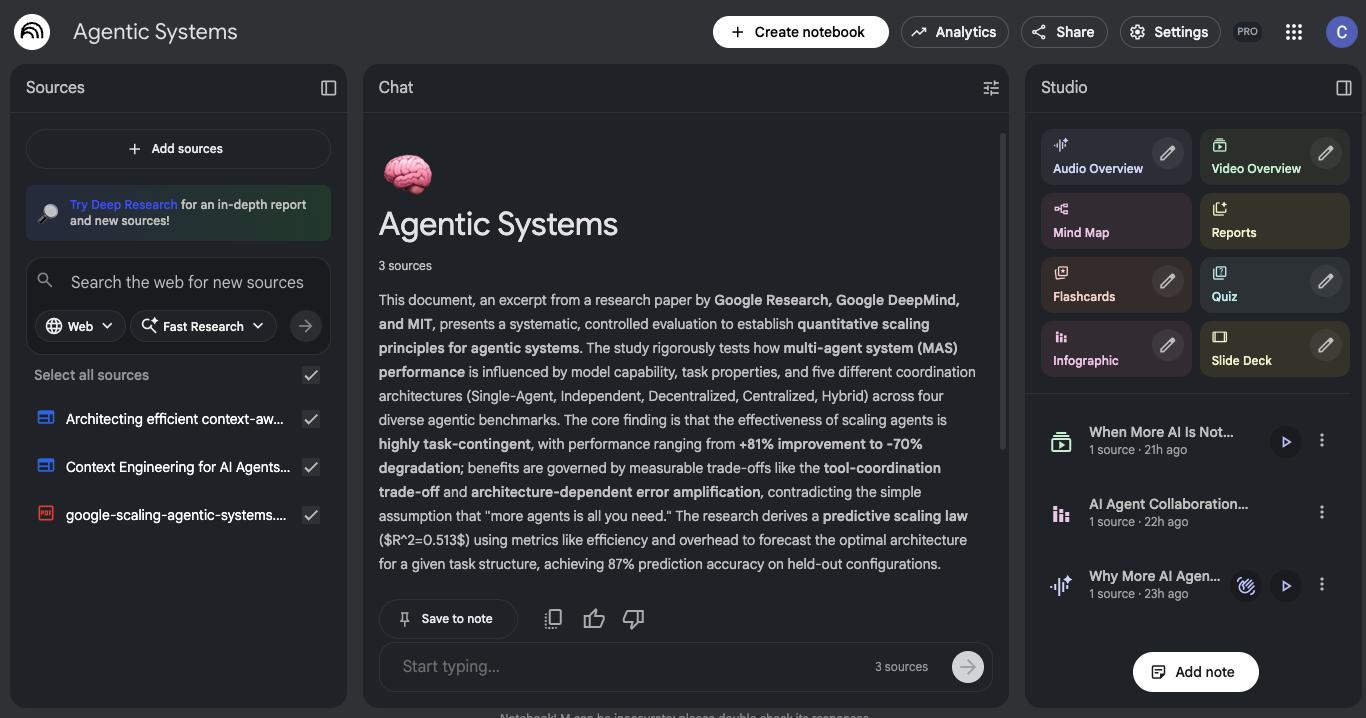
I've been using it for everything from technical documentation deep-dives to preparing for important meetings. But three features in particular have been my go-tos.
Audio Overviews: The Feature That Hooked Me
This is my favorite thing about NotebookLM, and honestly, the reason I kept coming back.
NotebookLM can convert your uploaded documents into a 10-15 minute podcast-style conversation. Two AI hosts discuss your material like they're genuinely fascinated by it — explaining concepts, making connections, breaking down complex ideas into digestible chunks.
The first time I generated one from a technical whitepaper, I was stunned. Information that would have taken me an hour to read became something I could absorb while walking my dog.
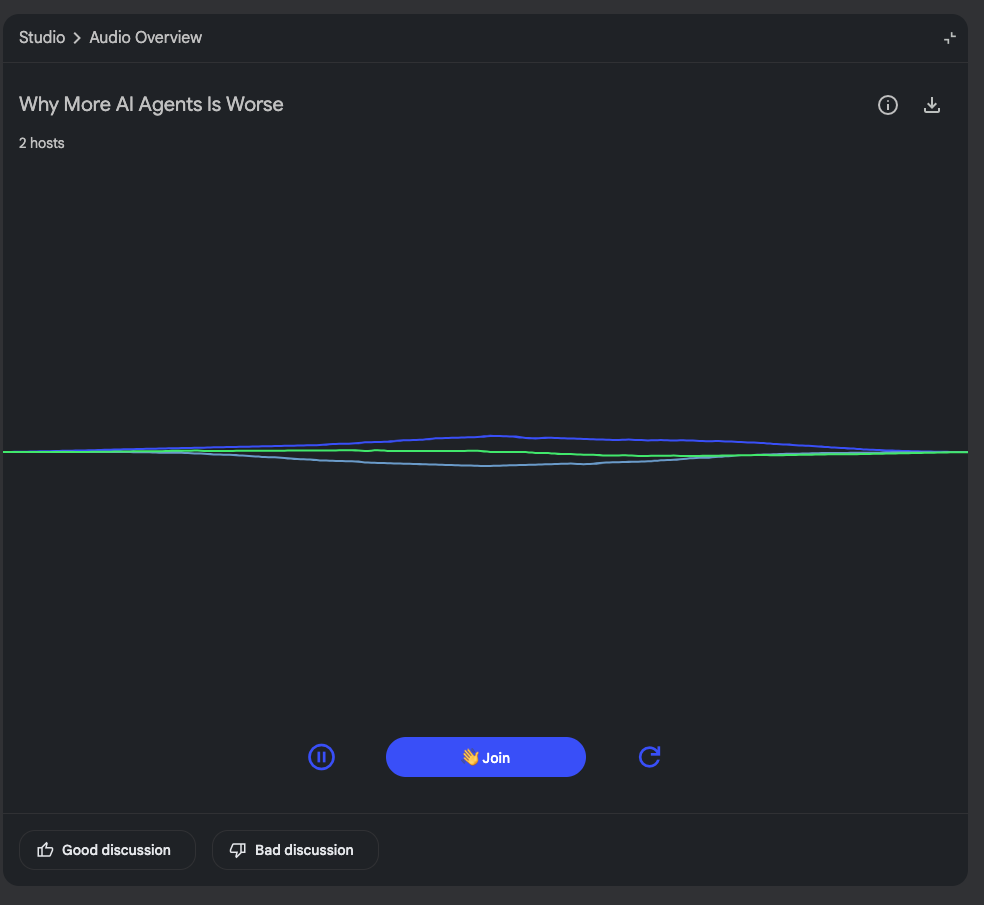
What makes this so effective isn't just the convenience. Hearing concepts explained conversationally activates a different part of my brain than reading does. Sometimes I'll read something three times and not quite get it, but hearing two people discuss it clicks immediately.
I've started generating Audio Overviews for pretty much everything now from research papers I need to understand quickly to documentation for a new tool I'm evaluating. My walks with Belle have become surprisingly productive.
Belle anxiously waiting for said walk:

The only catch? Once you start turning everything into podcasts, regular reading feels painfully slow.
Mind Maps: See the Big Picture
Sometimes I need to understand how ideas connect before I can dive into the details. That's where NotebookLM's mind map feature shines.
Upload your sources and ask it to generate a visual map of the concepts. You get an interactive diagram showing how topics relate to each other, what themes emerge across your materials, and where the key ideas cluster.
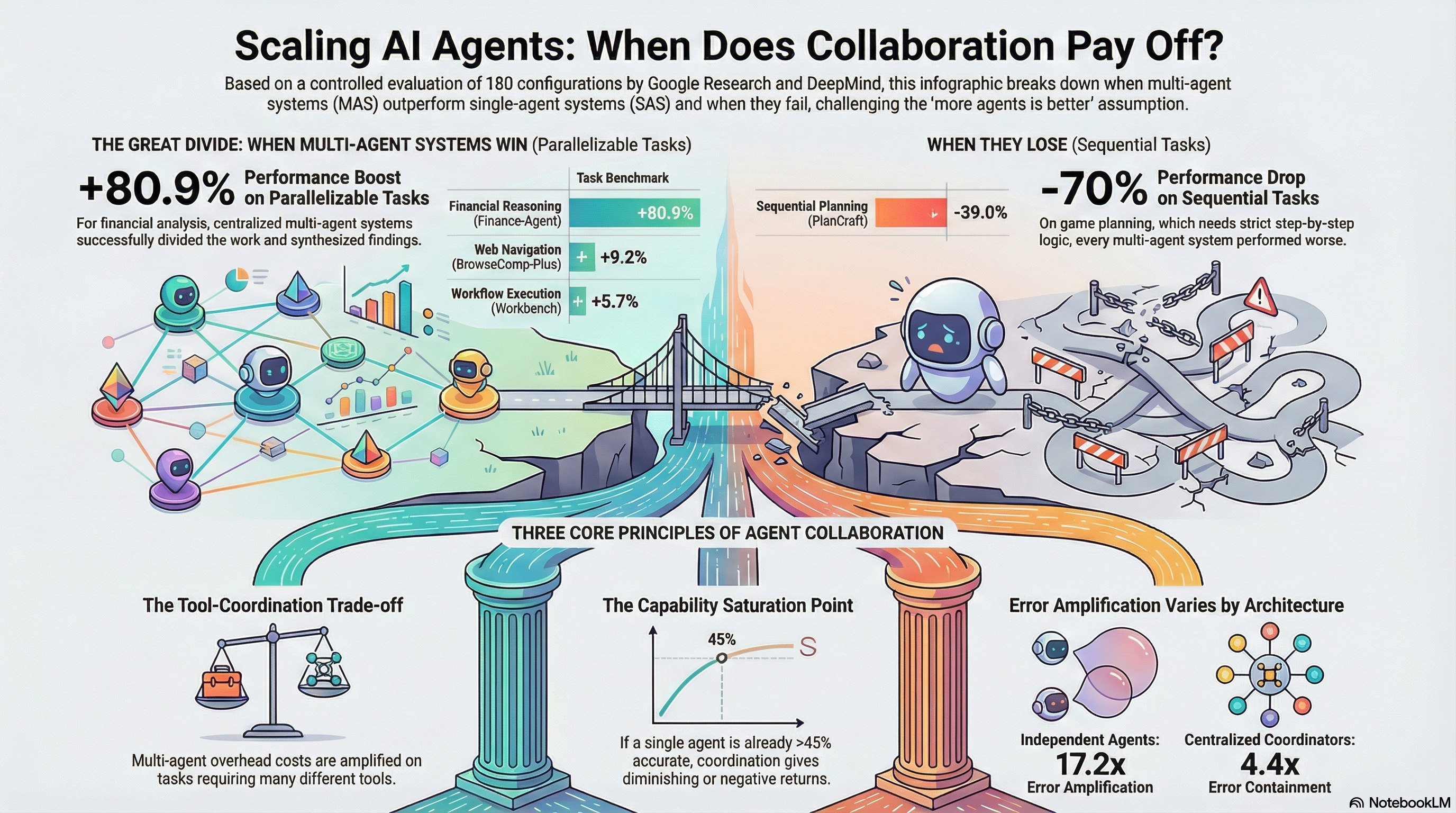
I use this constantly when I'm researching something new and trying to learn a large volume of information. Instead of reading everything and hoping patterns emerge, I can see the structure immediately. It's like getting a map before hiking an unfamiliar trail.
The mind maps are also great for identifying gaps. When I'm synthesizing research from multiple papers, the visualization quickly shows me which areas are well-covered and which need more sources.
My favorite use though is using these mindmaps to help explain technical concepts to others.
Video Overviews: Your Content, Visualized
NotebookLM doesn't just do audio, it can also generate video summaries from your uploaded content too.
Similar to Audio Overviews, you select your sources and NotebookLM creates a visual presentation of the key concepts. It's like having someone create a video explainer from your materials without you lifting a finger.
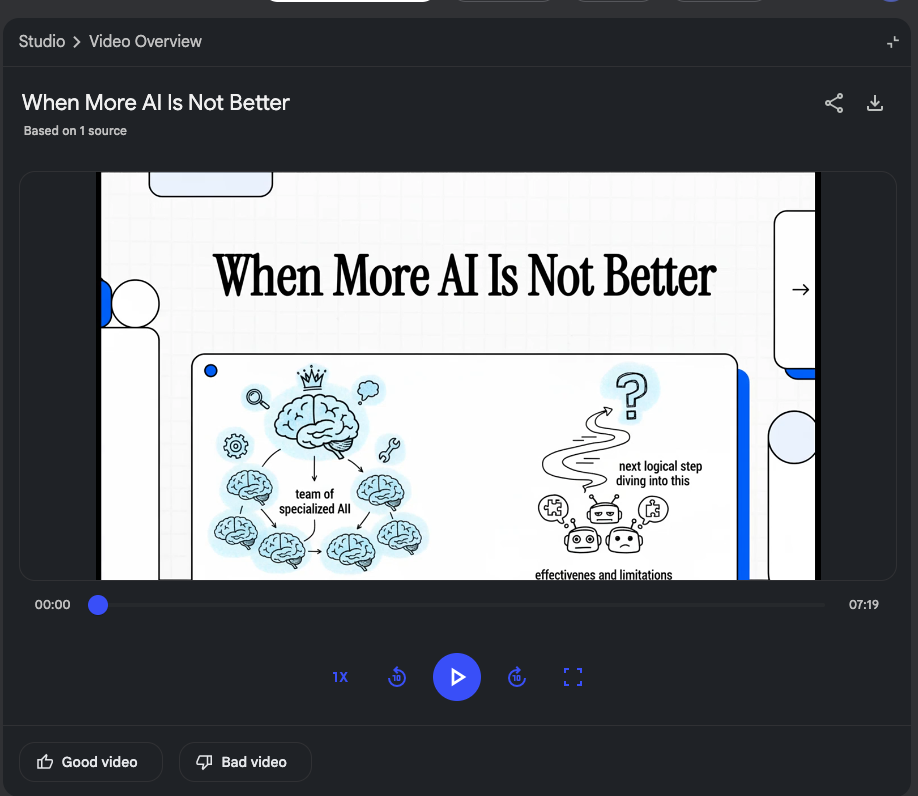
I find this especially useful when I'm trying to share what I've learned with others. Instead of sending them a stack of PDFs, I can generate a video overview that hits the highlights. It's also great for revisiting complex topics and seeing concepts visualized helps them stick in a way that audio alone doesn't.
Getting Started
If you want to try this yourself, here's the quick path:
Head to notebooklm.google and sign in with your Google account. Create a new notebook and upload a few sources related to something you're actively trying to learn. PDFs, Google Docs, web URLs, or YouTube links all work.
Start by asking it to summarize the main concepts, then dig deeper with specific questions. Every answer includes citations back to your sources, so you can verify anything important.
Once you've got a feel for the Q&A, try generating an Audio Overview. Select the sources you want included, hit generate, and give it about a minute. Then plug in your headphones and go for a walk.
The trick is giving it focused, high-quality sources rather than dumping everything in. Five well-chosen documents beats fifty random ones.
The Bottom Line
NotebookLM isn't trying to replace your brain. It's trying to help your brain work better with information you already have access to.
The source-grounding means you can actually trust the answers. The Audio Overviews unlock time you didn't know you had. The mind maps reveal structure you might have missed. And the video overviews let you share and revisit concepts visually.
If you're serious about learning give it a shot.
I think you'll be surprised how quickly it becomes part of your workflow.
What tools do you use to learn faster? Have you tried NotebookLM? I'd love to hear what's working for you.
Enjoyed this post?
Subscribe to get my latest insights on fintech, payments, and AI.